
Managing business documents may not seem like one of the most exciting parts of running a business, but it has a direct effect on productivity, accuracy, and daily decision making. When documents are difficult to find, poorly named, stored in different places, or mixed with outdated versions, even a simple task can take much longer than necessary.
I have noticed that many small businesses do not actually have a document problem. They have an organization problem. The documents are usually available somewhere, but no one is completely sure where the latest version is stored, who has access to it, or whether it is still correct.
Learning how to manage business documents more efficiently can solve many of these problems. A good document management system does not need to be complicated or expensive. It simply needs to make information easy to store, find, update, protect, and share.
Why Business Document Management Matters
Every business creates documents. These may include invoices, contracts, customer records, employee files, tax documents, quotations, reports, meeting notes, policies, marketing materials, and supplier information.
As a business grows, the number of documents also grows.
If there is no clear system from the beginning, files slowly become scattered across computers, email inboxes, mobile phones, USB drives, cloud folders, and printed files. This creates confusion and wastes time.
Efficient business document management helps a company work more smoothly because important information remains available when it is needed.
It can also reduce mistakes.
For example, imagine sending an old quotation to a customer because two files have almost the same name. A simple document naming system could prevent that problem.
Good document organization is therefore not only about keeping things tidy. It supports better business operations.
Create One Main Storage System
One of the first improvements a business can make is choosing a primary location for its documents.
Problems often begin when one employee stores files on a laptop, another uses email attachments, and someone else keeps documents in a cloud folder.
The business should decide where official documents belong.
This could be a secure company server, a cloud storage platform, or another centralized document system.
The important point is consistency.
Employees should know that the official version of a business document must be saved in the main storage location.
Personal desktops and email inboxes should not become permanent storage systems.
When one central system is used, finding documents becomes much easier.
Use a Clear Folder Structure
A good folder structure can save a surprising amount of time.
The goal is to create folders based on how the business naturally operates.
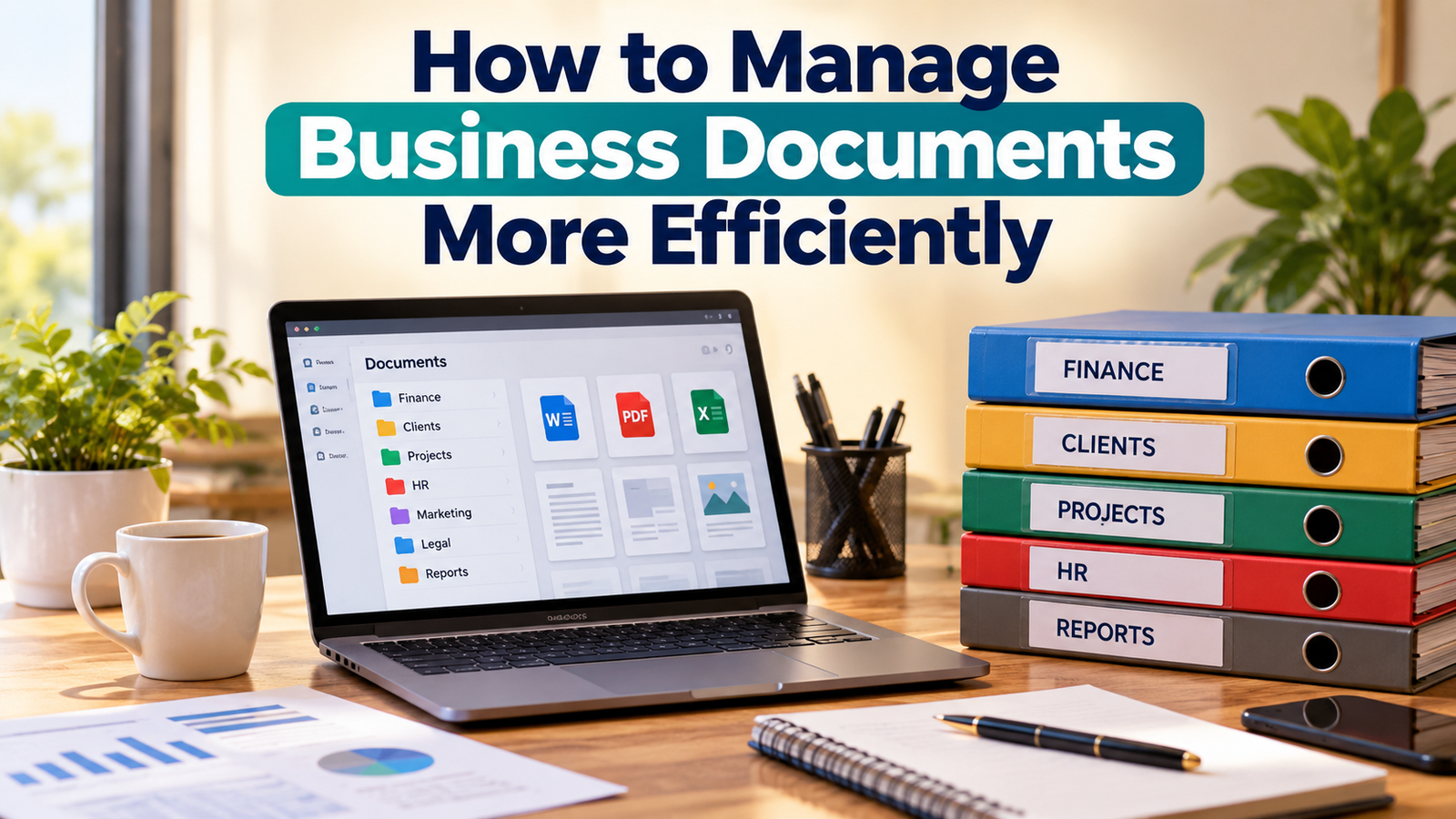
For example, the main folders may include:
Finance
Customers
Suppliers
Employees
Marketing
Legal
Projects
Operations
Reports
Each category can then contain smaller folders.
The Finance folder could contain separate folders for invoices, expenses, bank documents, taxes, and budgets.
The Customers folder could contain a separate folder for each major customer.
The structure should be simple enough that another person can understand it without asking for help.
One common mistake is creating too many levels of folders. If employees must open six or seven folders before reaching a document, the system becomes difficult to use.
Simple organization usually works better.
Develop a Consistent File Naming System
File names are extremely important in document management.
A file called:
Document Final New Latest 2
does not provide much useful information.
A better file name explains exactly what the document contains.
For example:
2026 October Sales Report
or
ABC Company Contract October 2026
A consistent naming format makes documents easier to search and sort.
A useful naming system may include:
Date
Customer or project name
Document type
Version number
For example:
2026 10 GreenTech Invoice 1045
This format tells you when the file was created, which customer it belongs to, and what type of document it is.
Everyone in the business should follow the same naming rules.
Consistency is more valuable than creating a complicated naming system.
Avoid Keeping Too Many Duplicate Files
Duplicate files create unnecessary confusion.
This often happens when people download email attachments, save copies to their desktops, make another copy for editing, and then save additional versions with names such as final, final new, or final updated.
After some time, no one knows which file is correct.
The solution is to keep one official version whenever possible.
If multiple versions are necessary, use clear version numbers.
For example:
Business Proposal V1
Business Proposal V2
Business Proposal V3
The latest approved version should be clearly identified.
Deleting unnecessary duplicate documents also reduces storage space and makes search results cleaner.
Use Cloud Storage Carefully
Cloud storage has made business document management much easier.
Employees can access documents from different locations, share files with team members, and update information without carrying physical storage devices.
Cloud systems can also reduce the risk of losing documents when a computer fails.
However, cloud storage should still be organized properly.
Moving hundreds of badly named documents into the cloud does not automatically solve the organization problem.
The same folder structure, naming rules, access controls, and backup procedures should still be followed.
Businesses should also choose reliable platforms and review their security settings regularly.
Control Access to Important Documents
Not every employee needs access to every business document.
Financial records, employee information, contracts, passwords, and confidential customer data should only be available to authorized people.
Businesses should decide who can:
View documents
Edit documents
Download documents
Delete documents
Share documents
Access control reduces the chance of accidental changes and protects sensitive business information.
It is also important to remove access when an employee leaves the company or changes responsibilities.
Good document management includes both organization and security.
Create a Document Backup Routine
Documents should never exist in only one place.
Computers can fail. Files can be deleted accidentally. Devices can be stolen. Malware can damage information.
A reliable backup system protects the business from these risks.
Businesses can use automatic cloud backups, external drives, secure servers, or a combination of different methods.
The most important point is that backups should happen regularly.
Automatic backups are usually better than depending on someone to remember to copy files manually.
It is also wise to test backups occasionally.
A backup is only useful if the documents can actually be restored.
Scan Important Paper Documents
Many businesses still receive paper documents.
These may include receipts, signed agreements, supplier documents, licenses, and official letters.
Keeping only paper copies creates several problems. Paper can be damaged, lost, or difficult to search.
Important paper documents should be scanned and stored digitally whenever appropriate.
The scanned copy should be named properly and saved in the correct folder.
The original paper document may still need to be kept for legal or business reasons, but the digital copy makes everyday access easier.
A simple scanning routine can greatly improve document organization.
Set Rules for Email Attachments
Email is one of the biggest sources of document confusion.
Important files often remain inside email conversations for months or years.
Searching through old messages every time a document is needed is inefficient.
When an important document arrives by email, it should be saved in the proper business folder.
For example, a supplier invoice should be downloaded and stored in the supplier or finance folder rather than remaining only in the inbox.
The same rule should apply to contracts, reports, customer documents, and other important attachments.
Email should be used for communication, not as the main document archive.
Review Old Documents Regularly
Businesses often keep documents long after they are useful.
Old drafts, expired proposals, duplicate images, outdated reports, and unnecessary downloads slowly fill the storage system.
A regular document review can prevent this.
Once every few months, the business can check which documents should be:
Kept
Archived
Updated
Deleted
Sensitive documents should be deleted securely when they are no longer required.
Businesses should also follow any legal document retention requirements that apply to their industry or country.
The goal is not to delete everything old. The goal is to keep the document system useful and manageable.
Use Templates for Common Documents
Many business documents are created repeatedly.
Examples include invoices, quotations, meeting notes, reports, purchase orders, and customer letters.
Creating templates for these documents can save time and improve consistency.
Instead of designing a new quotation every time, the business can use a standard template containing the correct logo, contact information, structure, and terms.
Employees only need to update the information that changes.
Templates also reduce mistakes because important sections are less likely to be forgotten.
Introduce Simple Version Control
Version control is useful when several people work on the same document.
Without a clear system, employees may edit different copies and accidentally overwrite useful changes.
There should always be a clear method for identifying the current version.
Businesses can use version numbers or software that automatically records changes.
For example:
Project Plan V1
Project Plan V2
Project Plan V3 Approved
The approved document should be stored in the correct official folder.
Older versions can be moved to an archive folder if they need to be kept.
Make Documents Easy to Search
A document management system should not depend entirely on remembering where a file was stored.
Good file names, dates, keywords, folder names, and document titles improve search results.
When naming a file, think about the words someone would probably type when searching for it later.
For example, instead of naming a document:
Report October
a better name may be:
October 2026 Monthly Sales Report
This includes more useful search terms.
Good searchability becomes increasingly valuable as the number of documents grows.
Create a Simple Document Management Policy
A small business does not need a complicated fifty page document policy.
A short and clear set of rules may be enough.
The policy can explain:
Where documents should be saved
How files should be named
Who can access sensitive documents
How versions should be managed
How backups are handled
When old documents should be archived or deleted
How paper documents should be scanned
Employees should receive simple instructions when they join the business.
The system will only work if everyone follows the same process.
Train Employees on the System
Even the best document management system will fail if employees do not understand it.
Training does not need to be complicated.
Show employees where the main folders are located, explain the naming format, demonstrate how files should be saved, and clarify which documents are confidential.
New employees should receive the same guidance.
It is also useful to explain why the system matters.
People are more likely to follow document procedures when they understand that the goal is to reduce wasted time and mistakes.
Use Automation Where It Makes Sense
Some document tasks can be automated.
For example, businesses may automatically save invoices, create regular backups, organize incoming files, generate reports, or send documents for approval.
Automation can be helpful when the same document process happens frequently.
However, businesses should not automate a poorly organized system.
The process should first be made clear and simple.
Once the workflow is understood, automation can make it faster.
Protect Sensitive Business Information
Document efficiency should never reduce security.
Sensitive files should be protected with strong passwords, controlled permissions, secure storage, and updated software.
Businesses should be especially careful with customer data, financial information, employee records, and confidential agreements.
Sharing sensitive documents through unsecured channels should be avoided.
Employees should also understand basic security practices, such as recognizing suspicious email attachments and protecting login information.
A document system should make information easier to access for authorized users while keeping it protected from unauthorized access.
Measure Whether Your System Is Working
A simple way to evaluate document management is to observe how quickly people can find information.
If employees regularly ask questions such as:
Where is the latest invoice?
Which contract is current?
Who has the approved report?
Where was that customer file saved?
then the system probably needs improvement.
A good document system should reduce these questions.
It should also reduce duplicate work and make collaboration easier.
The best system is not necessarily the most advanced one. It is the system that employees can use correctly every day.
Final Thoughts
Learning how to manage business documents more efficiently is mainly about creating order and consistency.
A business should have one primary storage system, a clear folder structure, simple naming rules, reliable backups, controlled access, and regular document reviews.
Small improvements can make a noticeable difference.
Instead of spending time searching through emails, desktops, and random folders, employees can quickly find the information they need and continue working.
Good document management also becomes more valuable as a business grows. A simple system created today can prevent major confusion later.
The objective is not to create a perfect filing system. The objective is to create a practical system that makes business information easy to find, easy to use, secure, and reliable.
When documents are managed properly, everyday work becomes faster, communication improves, and the entire business becomes easier to organize.